




[EN] Add subtitle.
[EN] Overview title [EN] Add the answer or description.
[EN] Add btn1_text.

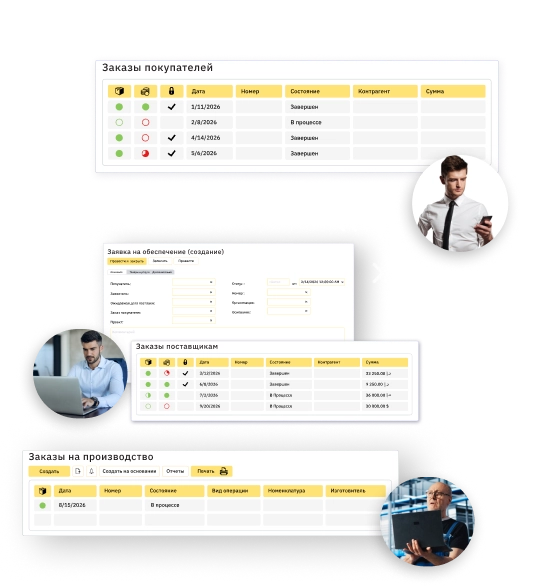
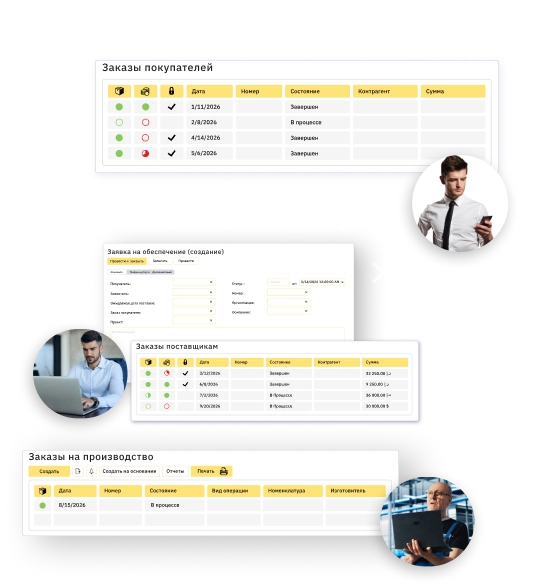
Improve business efficiency with an all-in-one ERP system
-
 Multi-company
-
 Cloud-based
-
 Web, desktop, mobile app
-
 Real-time bilingual AR / EN reports
-
Approvals
-
Notifications
Automate all your accounting processes with 1C ...
-
1
Estimation & Tendering

-
Capture leads and plan activities
-
Create or upload BOQ
-
Make estimations by BOQ lines using templates
-
Generate RFQs and compare suppliers
-
Create and revise quotations keeping the whole history

-
-
2
Planning

-
Plan project budget and revenue
-
Create a cash flow plan and map it with income/expense items
-
Import and manage project scheduling documents

-
-
3
Project execution
-
Create requisitions and manage suppliers tendering
-
Allocate all types of resources
-
Generate time cards for labor and equipment
-
Process purchase orders based on allocated resources
-
Track project inventory
-
Manage RFIs
-
-
4
Performance & Control
-
Monitor project progress and calculate completion % in real time
-
Streamline progressive invoicing
-
Allocate direct and indirect costs project-wise
-
Control costs against budget
-
Manage variations
-
Analyze requisitions by multiple parameters

-
-
5
Closure
-
Close out the budget
-
Recognise revenue
-
Evaluate project's profitability and compare projects' outcomes upon completion

-







... with automation of all supporting processes
-

Procurement
-
Process site requisitions in real time
-
Generate RFQs and manage responses
-
Respond to RFQs with autogenerated quotations
-
Rate and compare suppliers and prices
-
Create and revise purchase orders
-
Track subcontractors
-
Analyze requisitions and POs
-
-

Warehouse
-
Monitor your materials balance across multiple warehouses and sites
-
Reserve and transfer inventory based on requisitions
-
Manage inventory transfers and consumption
-
Generate materials receipt and dispatch notes
-
Track stock aging
-
-

HR & Payroll
-
Generate and change employment contracts
-
Set up work schedules and allocate labor by project
-
Track attendance and absence with time cards
-
Set up and calculate payroll according to the KSA Labor Law
-
Monitor and adjust all types of accruals (salary, overtime, leave payments, end of service provisions, benefits, etc.) and deductions
-
Generate WPS files and send payslips
-
Manage accommodation facilities
-
-

Finance & Accounting
-
Generate progressive or milestone-wise invoices
-
Set up phased revenue recognition
-
Account employee expenses including petty cash
-
Calculate retention and manage settlements
-
Calculate and submit taxes in compliance with KSA laws
-
Generate e-invoices and submit directly to Fatoora portal (Phase 2)
-
Track and analyze cash inflows and outflows in real time
-
Manage cash assets, bank transactions and PDC cheques
-
Prepare financial statements according to IFRS
-


Manage your entire business with FirstBit ERP Contracting
[EN] Feature 1
 [EN] Add a feature bullet point.
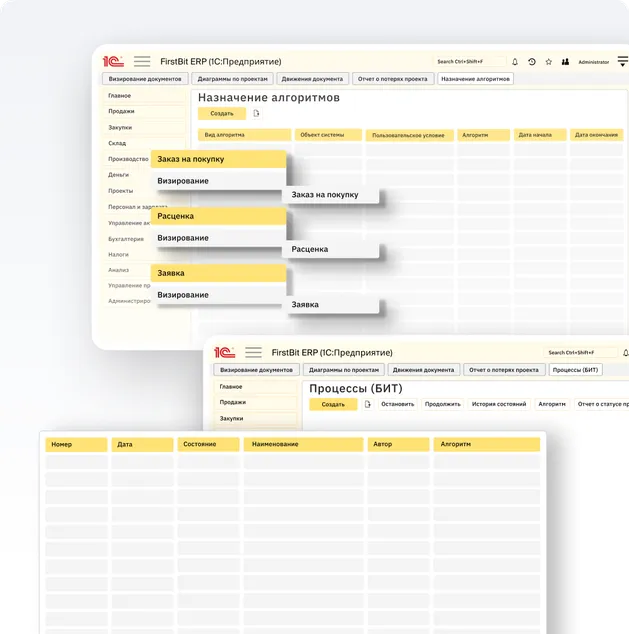
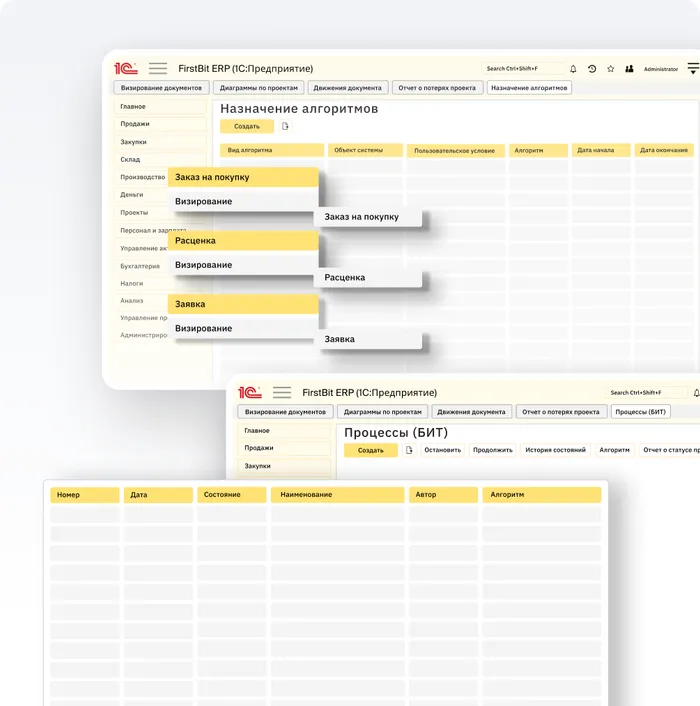
[EN] Feature 2
[EN] Add a feature bullet point.
[EN] Feature 3
[EN] Add a feature bullet point.
[EN] Feature 4
[EN] Add a feature bullet point.
[EN] Feature 5
[EN] Add a feature bullet point.
[EN] Feature 6
[EN] Add a feature bullet point.
The ERP system you can rely on


Support
Get assistance whenever you need it from our dedicated local support team.

Security
Keep your confidential business data securely stored in the cloud.

Compliance
Reduce the risk of penalties by meeting tax and labor regulations in the UAE and Saudi Arabia.Get to know how FirstBit ERP works in a personalized demo
Successful Middle East contractors trust FirstBit ERP

A professional team, prompt support, and a deep understanding of the specifics of UAE legislation and regulatory requirements. We especially appreciate the personalized approach and the willingness to adapt solutions to our needs. We thank First Bit for a reliable partnership!

Galina
Senior accountant at VAT-OK LLC








1 / 3
Frequently asked questions
Can't find the answer you're looking for? We're here to help.
Contact us
[EN] 1111111

[EN] Question 2

[EN] Question 3
[EN] Question 4
[EN] Question 5
[EN] Question 6
Can't find the answer you're looking for? We're here to help.
Contact us

Book a demo online or at your office
We'll show you how 1C can meet your business needs and help you find the right solution during a personalized demo.