




Projects
View pricing

Project management software
Increase project profitability Bring tasks, resources and finances together in one system to see how every activity impacts project costs and profitability.
Request a demo
Trusted by
Trusted by





EVALUATION
Make every project profitable
-
 Increase profitability by estimating project costs before launch and monitoring actual profit margins
-
Keep spending limits up to date by managing budgets across different cost categories
-
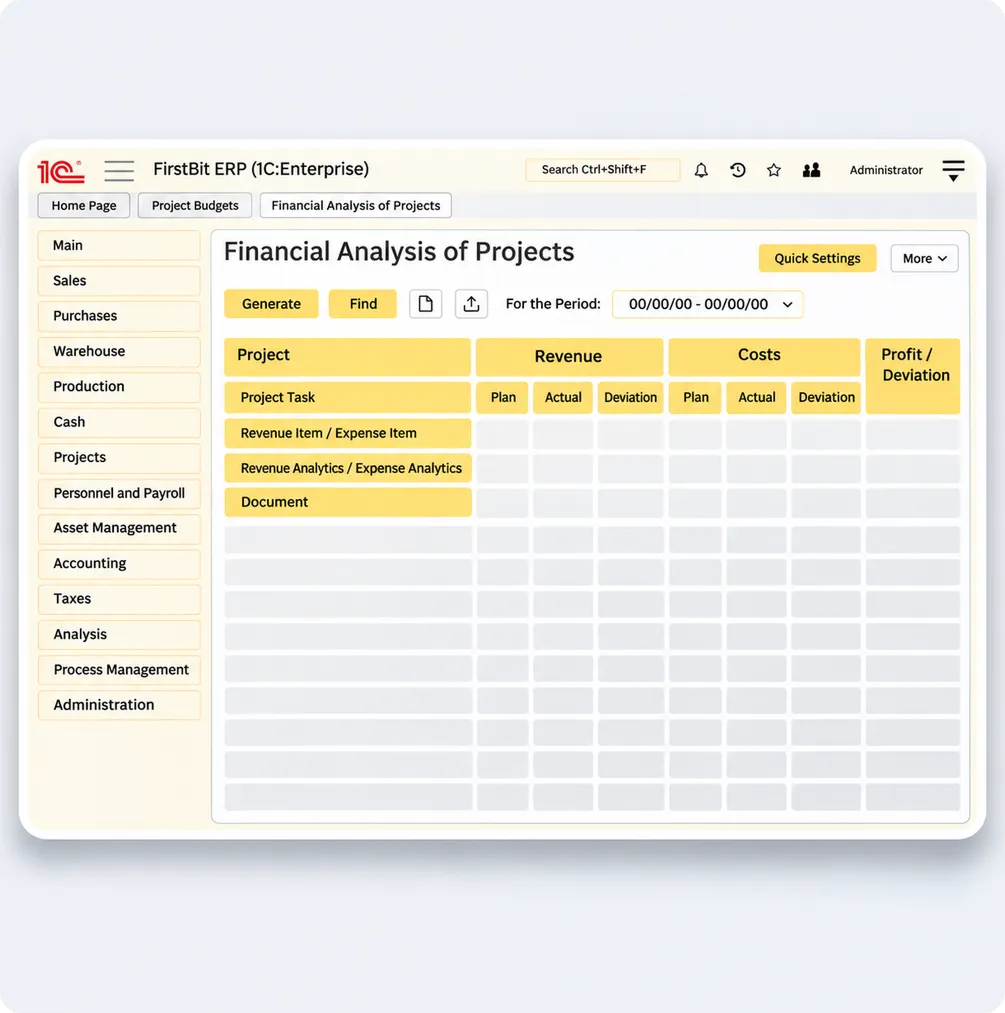
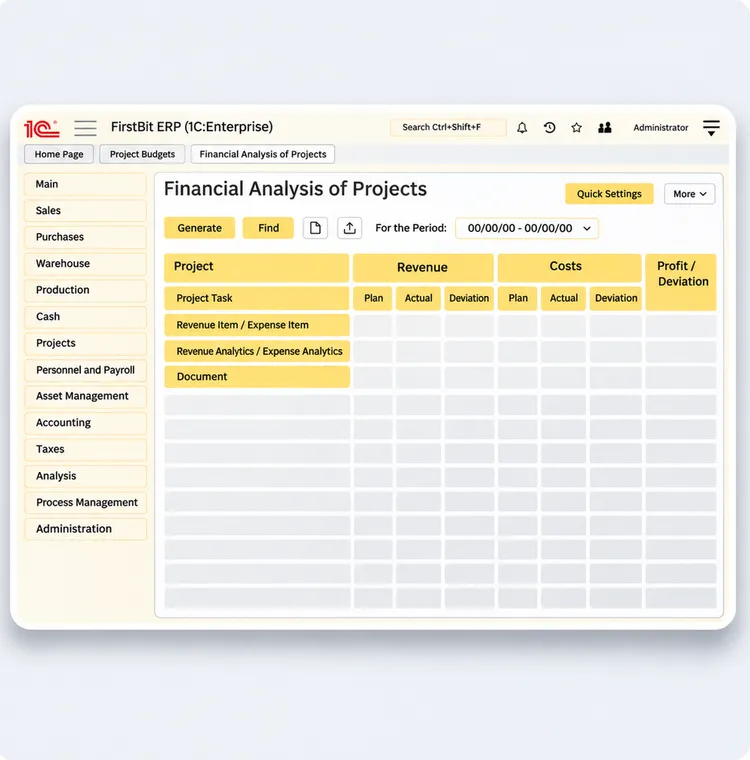
Plan more accurately and improve financial performance with detailed project financial analysis
Request a demo
PLANNING
Achieve your project goals
-
Prevent delays and employee overload by allocating resources across projects
-
Minimize wasted time and gain better visibility into task dependencies by planning schedules and resources with Gantt charts
-
Complete projects on time by setting realistic schedules based on team workloads and available resources
Request a demo
TASKS
Get tasks done faster
-
Improve communication by setting task priorities, deadlines and assigning responsibilities in one place
-
Monitor actual progress by tracking task statuses across projects
-
Speed up decision-making with notifications about critical tasks and pending approvals
Request a demo
CONTROL
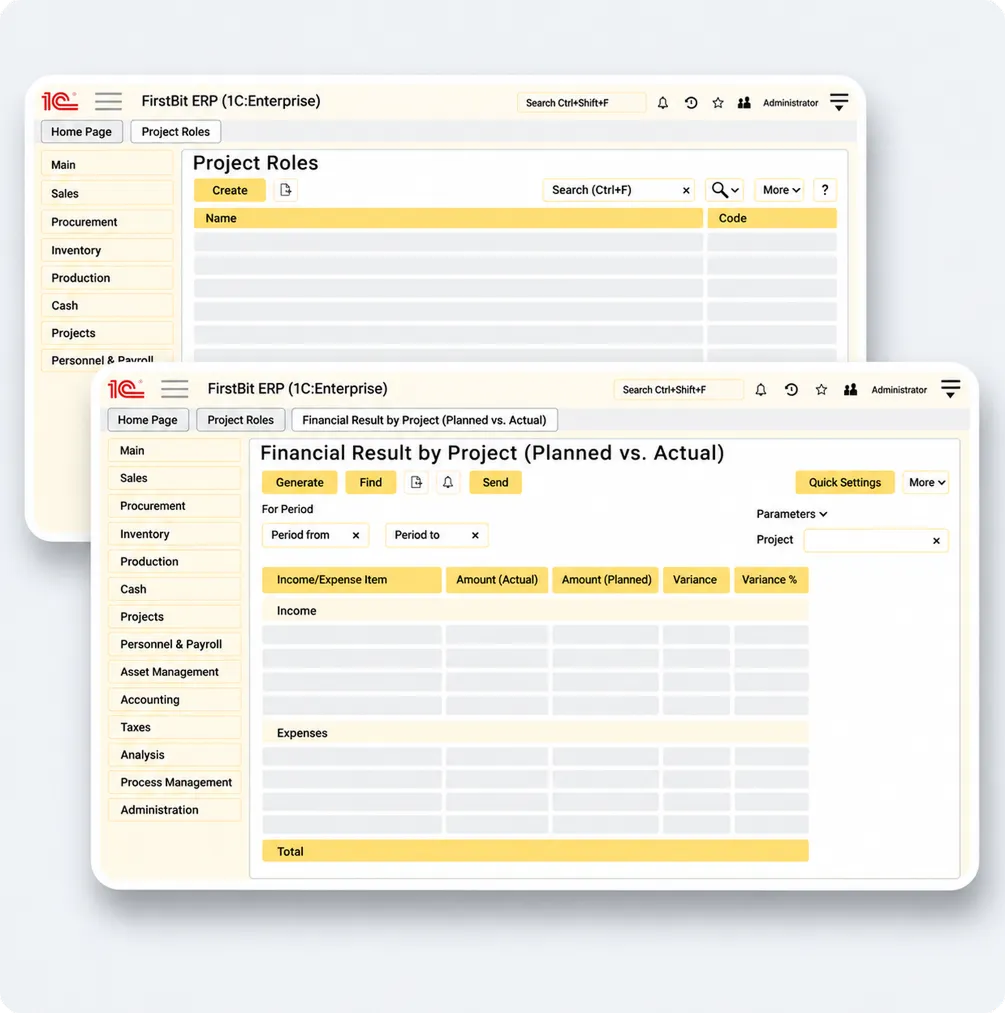
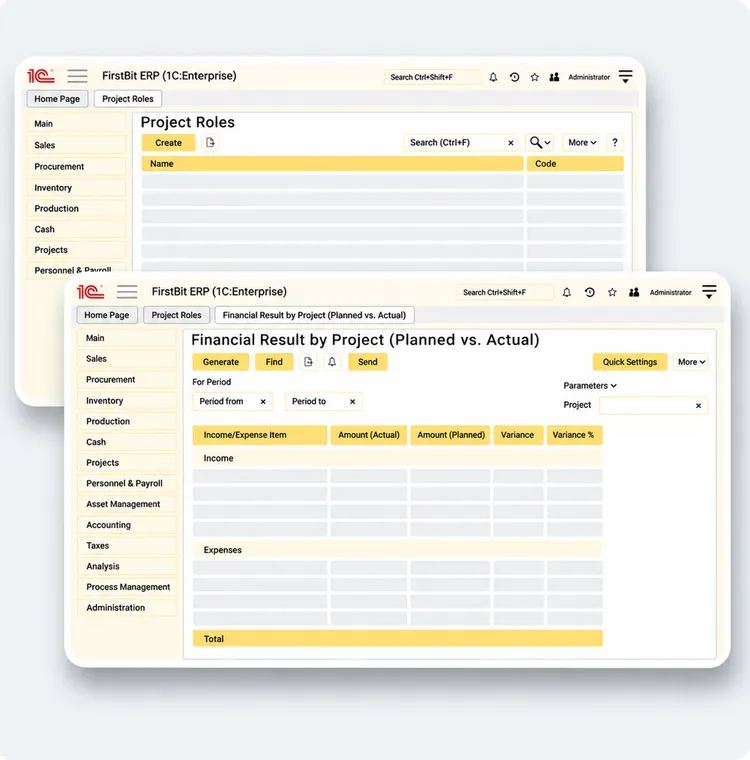
Keep project budgets under control
-
Prevent cost overruns by comparing actual spending against planned budgets
-
Calculate project costs more accurately by allocating overhead expenses
-
Adjust plans on time by using historical data and identifying budget variances early
Request a demo
MONITORING
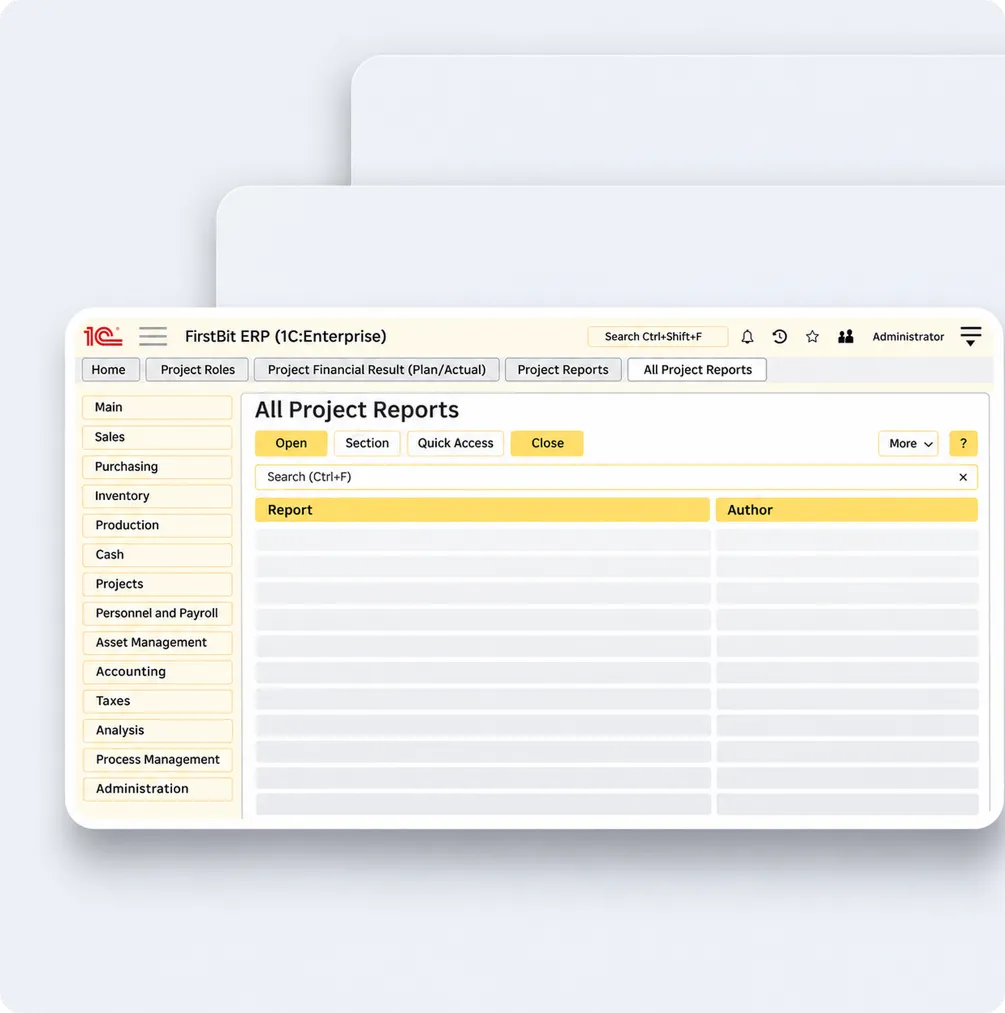
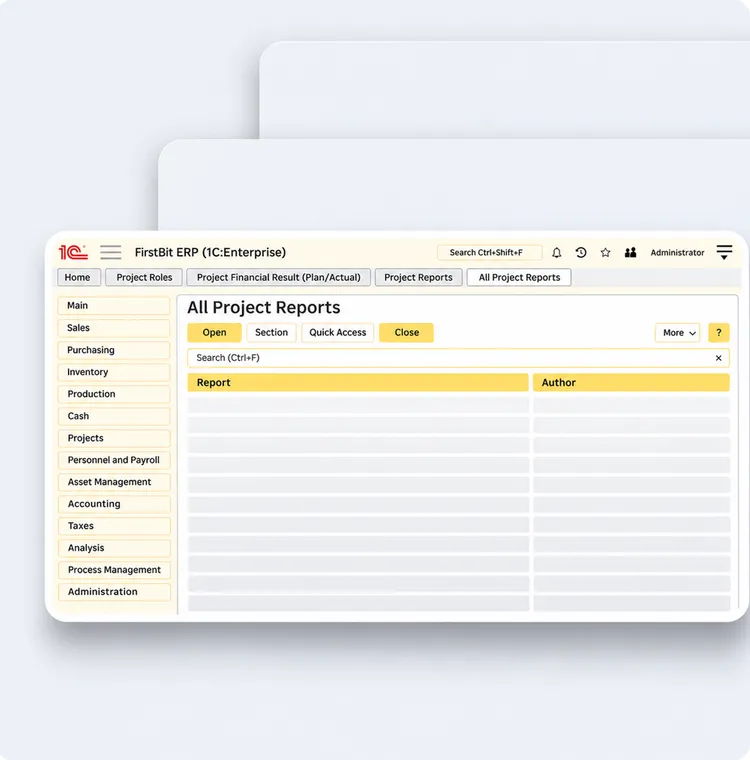
Get real-time updates on task progress
-
Stay informed about task progress, project changes, milestones and deadlines with automated notifications
-
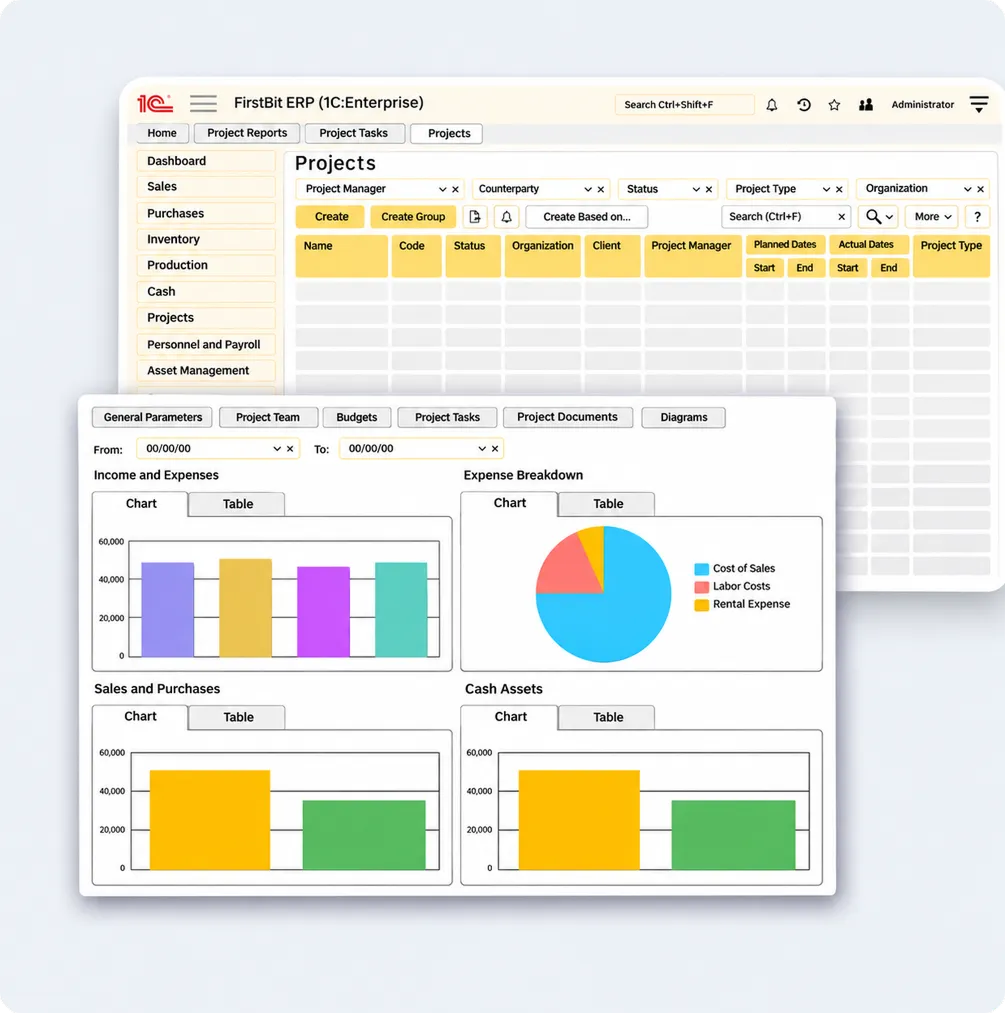
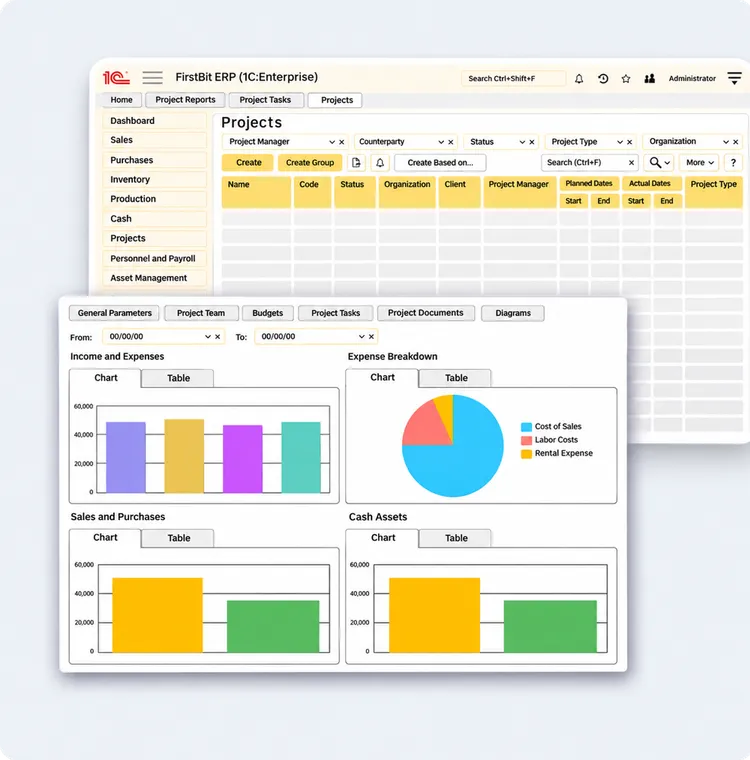
Monitor key project performance indicators through a centralized dashboard
-
Keep teams aligned by uploading progress reports with photos and managing work schedules
Request a demo
Explore the capabilities of Projects
[EN] Add the section introduction.

Projects
Find the projects you need quickly by managing your entire project portfolio in one place.


Project roles
Manage access and responsibilities by assigning project roles and defining areas of accountability.


Project tasks
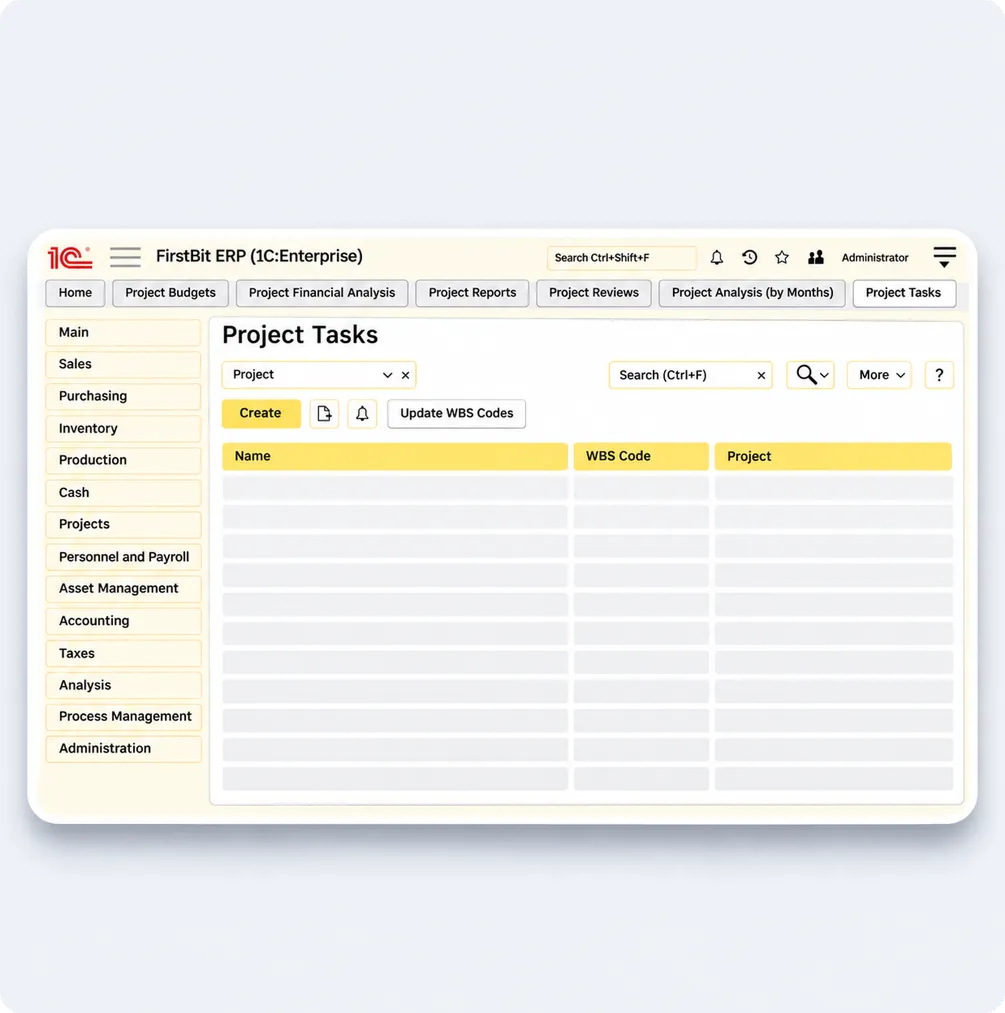
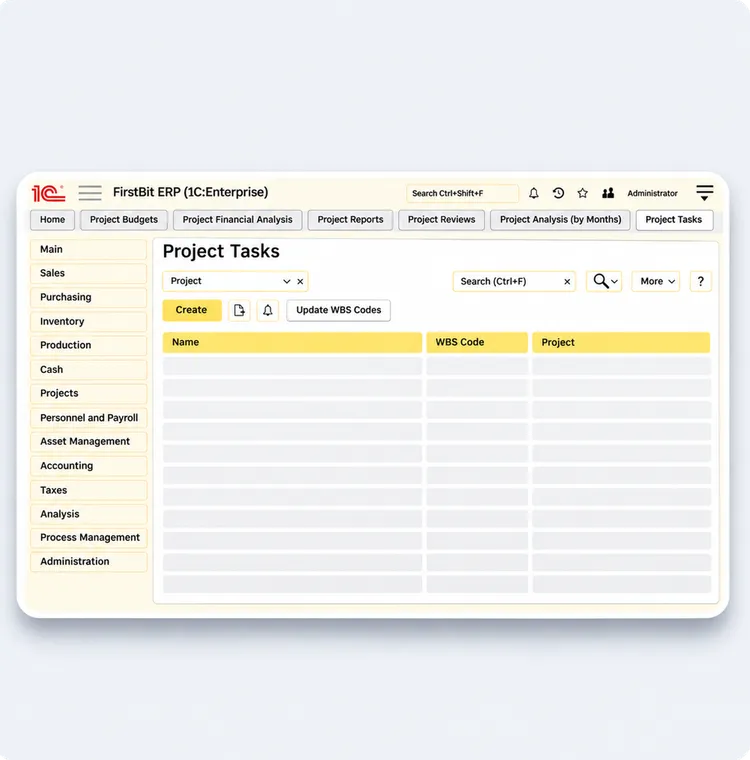
Track progress without manual reporting by assigning project tasks and updating their statuses.


Budgets
Set spending limits and financial targets by planning project budgets in advance.


Cost tracking
Calculate project costs accurately by allocating expenses to individual projects.


Project overview
Get a complete picture of your project portfolio by viewing key performance indicators in one report.


Cost analysis
Identify cost overruns quickly by analyzing project expense structures.


Financial performance
Spot variances by comparing planned project figures with actual financial results.


Cash flow analysis
Assess financial requirements by tracking cash flow across projects.
Discover how FirstBit ERP can help your business
A professional team, prompt support, and a deep understanding of the specifics of UAE legislation and regulatory requirements. We especially appreciate the personalized approach and the willingness to adapt solutions to our needs. We thank First Bit for a reliable partnership!

Galina
Senior accountant at VAT-OK LLC








1 / 3
Who can benefit from this module


Project manager
Monitor key project performance indicators in real time

CEO
Make strategic decisions based on accurate business data

Operations director
Keep tasks and deadlines under control
Book a demo online or at your office
We'll show you how 1C can meet your business needs and help you find the right solution during a personalized demo.
Frequently asked questions
Can't find the answer you're looking for? We're here to help.
Contact us
How does the Projects module integrate with the main ERP system?

The system records changes and updates related information, including budgets, actual costs, deadlines, task and milestone statuses, accruals, contracts and assigned employees.
Can I create project and task templates?

Can the system allocate resources across multiple projects?
What reports are available in the Projects module?
Can I attach photos to progress reports directly from a project site?
How can I monitor team attendance and task completion?
How does the system help manage scope changes and unexpected costs?
Can't find the answer you're looking for? We're here to help.
Contact us


